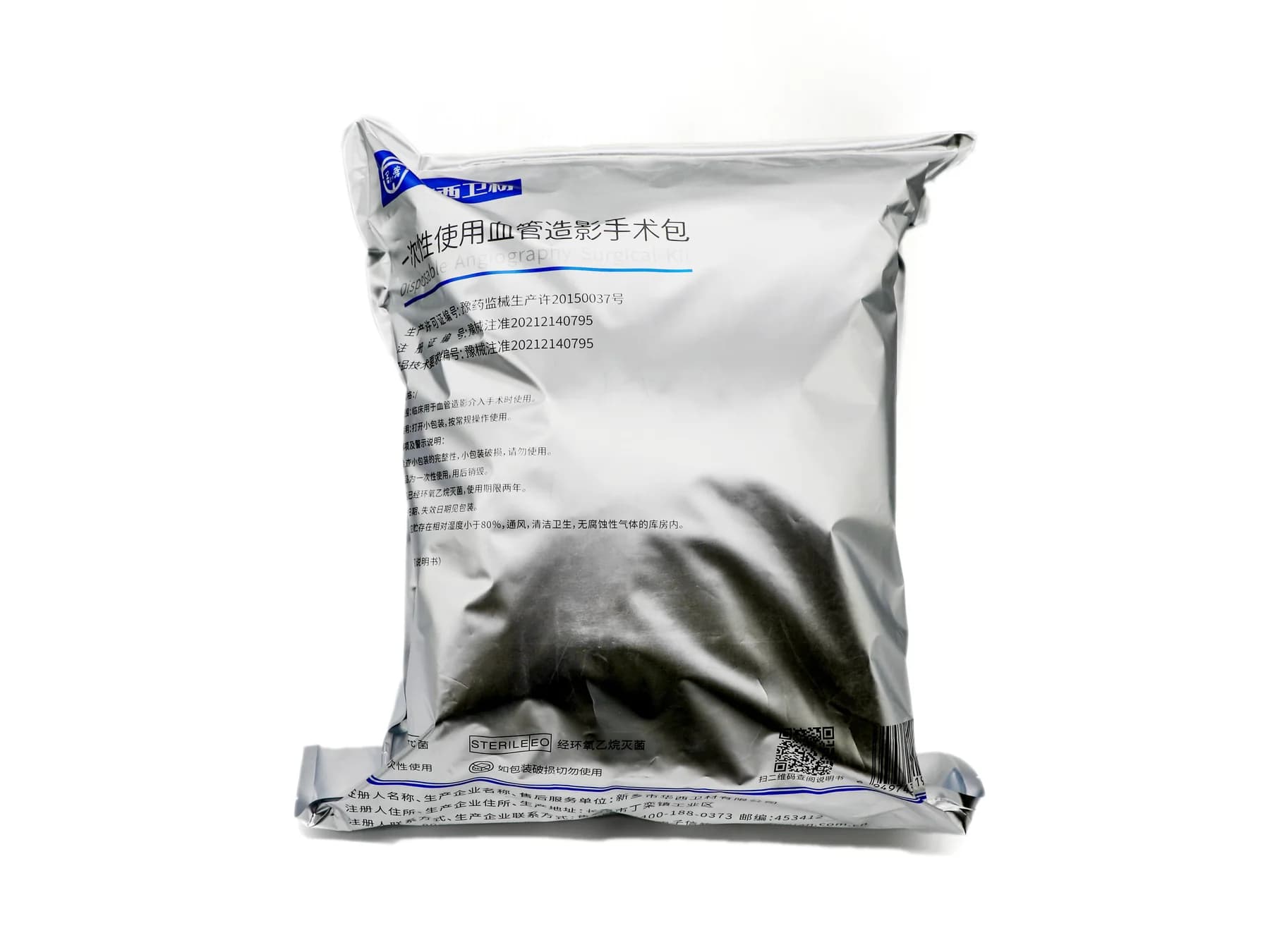

A Controlled Common Specification
A hospital group may want a common surgical pack specification across several locations. A shared specification can make purchasing and supplier discussions clearer, but a pack name alone does not establish that every site needs the same contents. Procedure requirements, approved component choices and local workflows still need to be checked with the people who will use the pack.
For procurement teams, the useful goal is a controlled common specification with visible exceptions. It should show what is shared, what may vary by location and who approves each variation. The points below organize that review; they do not determine the clinical suitability of a pack.
Start with the Procedure, Not the Pack Name
General surgery pack or delivery pack is a useful category label, but it is not a complete specification. Two locations can use the same name while expecting different drape dimensions, gown quantities or other components.
List each location and the procedure or workflow the pack is intended to support. Ask the relevant clinical or technical reviewers to identify the components they require. Compare those lists before selecting a common configuration. Where they differ, record the reason instead of silently choosing one version.
Future Tech's catalog models can provide reference configurations for a discussion. The final components and their suitability must be confirmed for the purchasing project.
Separate Common Items from Site-Specific Requirements
Use one row per component and one column per location. For each line, record the item name, quantity per pack and specification or drawing that identifies it. Classify the line as common required, site-specific required, optional or open.
These labels are purchasing controls. They are not claims that an item is clinically interchangeable or appropriate for every procedure. If site-specific items are substantial, separate configurations may be clearer than forcing every location into one pack.
| Status | Meaning |
|---|---|
| Common required | Included in the proposed base pack for every participating site |
| Site-specific required | Needed only for identified locations or procedures |
| Optional | Excluded from the base quotation unless requested |
| Open | Awaiting a decision or supporting information |
Define What the Same Component Means
A matching item name does not guarantee a matching product. Compare dimensions and units, material or construction where known, intended function, quantity and any packaging or labeling requirement relevant to the buyer.
If a photo or sample is a reference, connect it to a written description and revision. Photos help reviewers identify a component but should not carry the entire specification. Apply the component-list review to each location's approved list and document where the lists agree or differ.
Choose a Manageable Configuration Structure
There is no universal rule that one group must buy one identical pack. A single common pack works only when participating sites approve the same complete specification. A common base with defined variants can work when a limited number of components differ, provided each variant has its own identifier and content list. Separate site or procedure packs may be clearer when differences are extensive.
The purchasing file should make obvious which configuration is being quoted, sampled and ordered. Avoid using one informal name for several materially different packs.
Control Revisions and Approvals
Feedback from several sites can arrive at different times. Maintain one current specification with a version number and date. Record the location, component line, requested change, decision and approver for each proposed revision.
Before a final quotation or sample approval, confirm that each site is reviewing the same revision. A change accepted for one site should not automatically alter another site's approved configuration.
| Field | What to record |
|---|---|
| Configuration ID | Unique base pack or variant identifier |
| Revision | Current approved specification version |
| Site and component | Location and exact line affected |
| Decision | Approved, rejected or pending |
| Approval record | Responsible reviewer and date |
Tie the Quotation and Order to the Approved Version
Ask the supplier to identify the configuration and revision in its response. List a proposed deviation separately rather than folding it into a phrase such as equivalent component. The buyer can then route it to the appropriate reviewers.
Record which specification a sample represents. The purchase order and final artwork or labeling instructions should refer to the agreed configuration. The broader customization guide explains how to develop a pack; multi-site standardization adds the question of who may approve the common rule and each exception.
Buyer Checklist
- Identify intended procedures and participating sites.
- Have each site review its required component list.
- Separate common, site-specific, optional and unresolved items.
- Identify each component with sufficient detail.
- Give variants separate identifiers where needed.
- Show the current revision to all reviewers.
- Record supplier deviations and substitutions for approval.
- Tie quotation, sample and purchase order to the same configuration.
Conclusion
A controlled specification makes a multi-site project easier to discuss and compare. It does not remove the need for the buyer and relevant end users to approve the final pack. If your team has lists for several locations, share the requirements with Future Tech and identify which items are common and which remain under review.